

OpenLab CDS Data Analysis - Quickly view your data using Peak Explorer
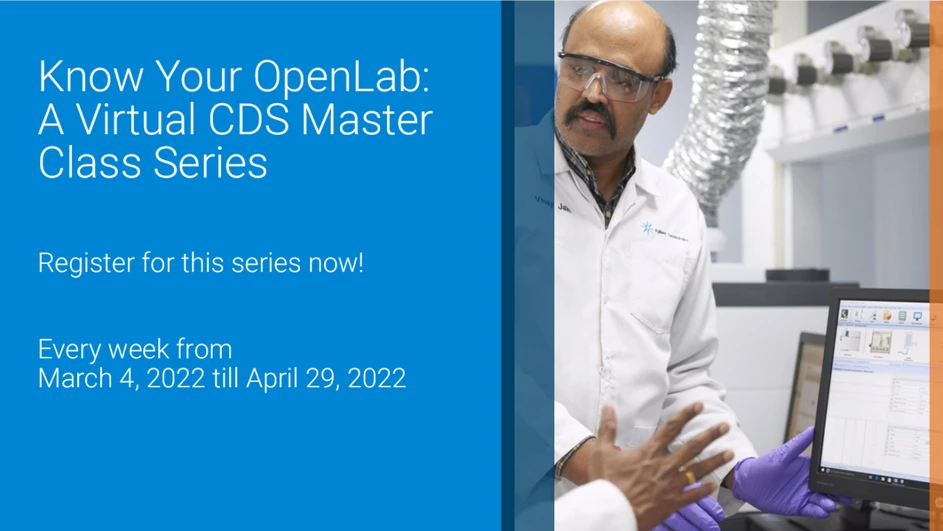
Agilent cordially invites you for first ever series of A Virtual OpenLabMasterclass -“Know Your OpenLabCDS”
Our objective of this master class series is to get you through entire CDS workflow from basic step to complete data archivals. From this series of 9 sessions, you would get the most out of your OpenLabCDS.
You will be able to:
- Refresh step by step guide on entire software operation workflows.
- See live demonstration & use of some of the unique features of OpenLabCDS.
- Address queries of your software operations & some tips to make the best use of OpenLab.
OpenLab CDS Data Analysis - Quickly view your data using Peak Explorer
Lab users generally need to work with large amount of data. Ensuring data accuracy or to find out any outliers consumes lot of time and efforts. In this session, we will talk about productivity features available in OpenLab CDS like Peak Explorer which provides birds eye for your data in a single window. We will also look in to how we can open multiple chromatograms from same project or other projects in single window for easy comparison.


